NeuroLingo Field Guide
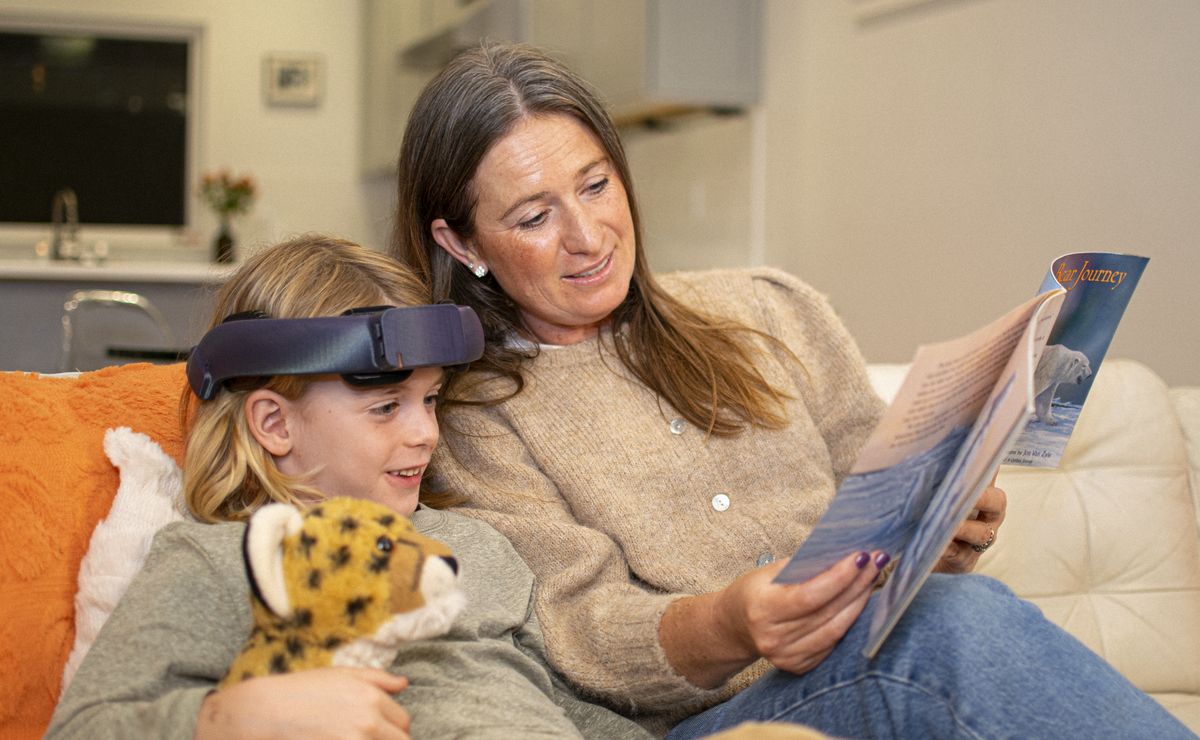
How to set up your headset. Follow the steps and watch the headset light. Make sure to study hard for the next 20 minutes! (The headset only works as well as you do.)

How to set up your headset. Follow the steps and watch the headset light. Make sure to study hard for the next 20 minutes! (The headset only works as well as you do.)
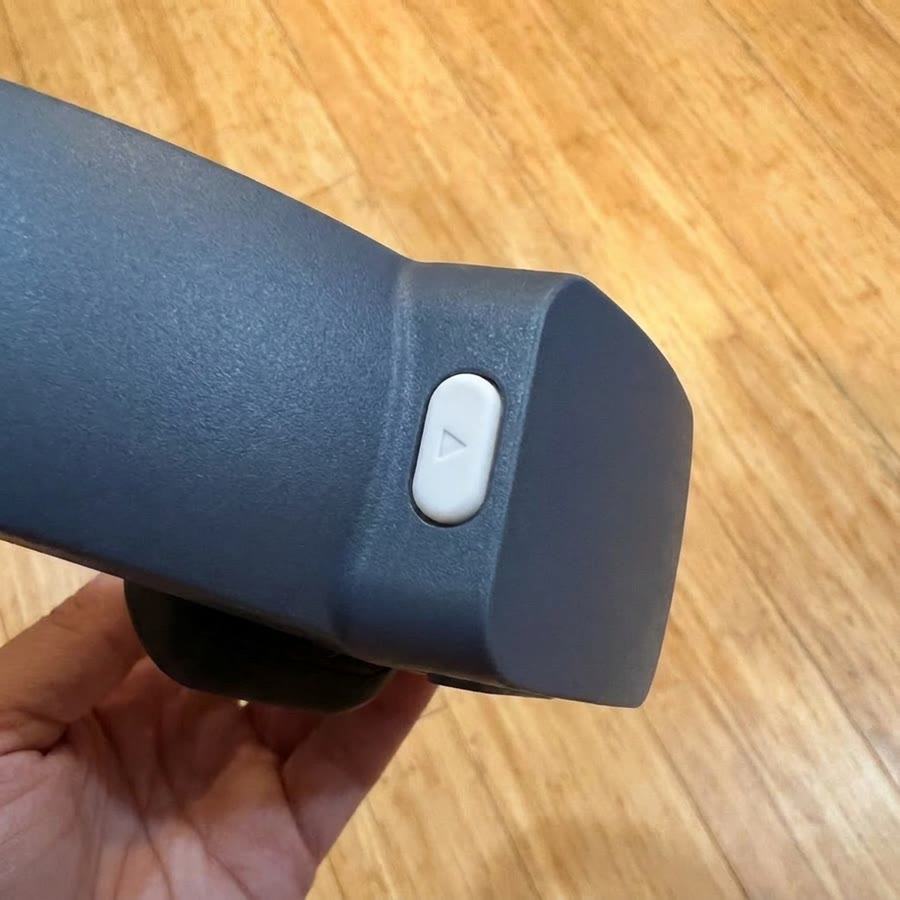
There's one button on the front. Press it in nice and hard for about 2 seconds. A short buzz and a solid blue light mean the device is on and ready.
Use a fresh pack every session. Tear it open like a ketchup packet and pop one sponge into each back electrode, the two that sit above the ears. Seat them as-is. Don't squeeze them. That water is what carries the connection through the hair.
First session? Pull the black placeholder sponges out of the back electrodes first.

Nice and damp. Just right.
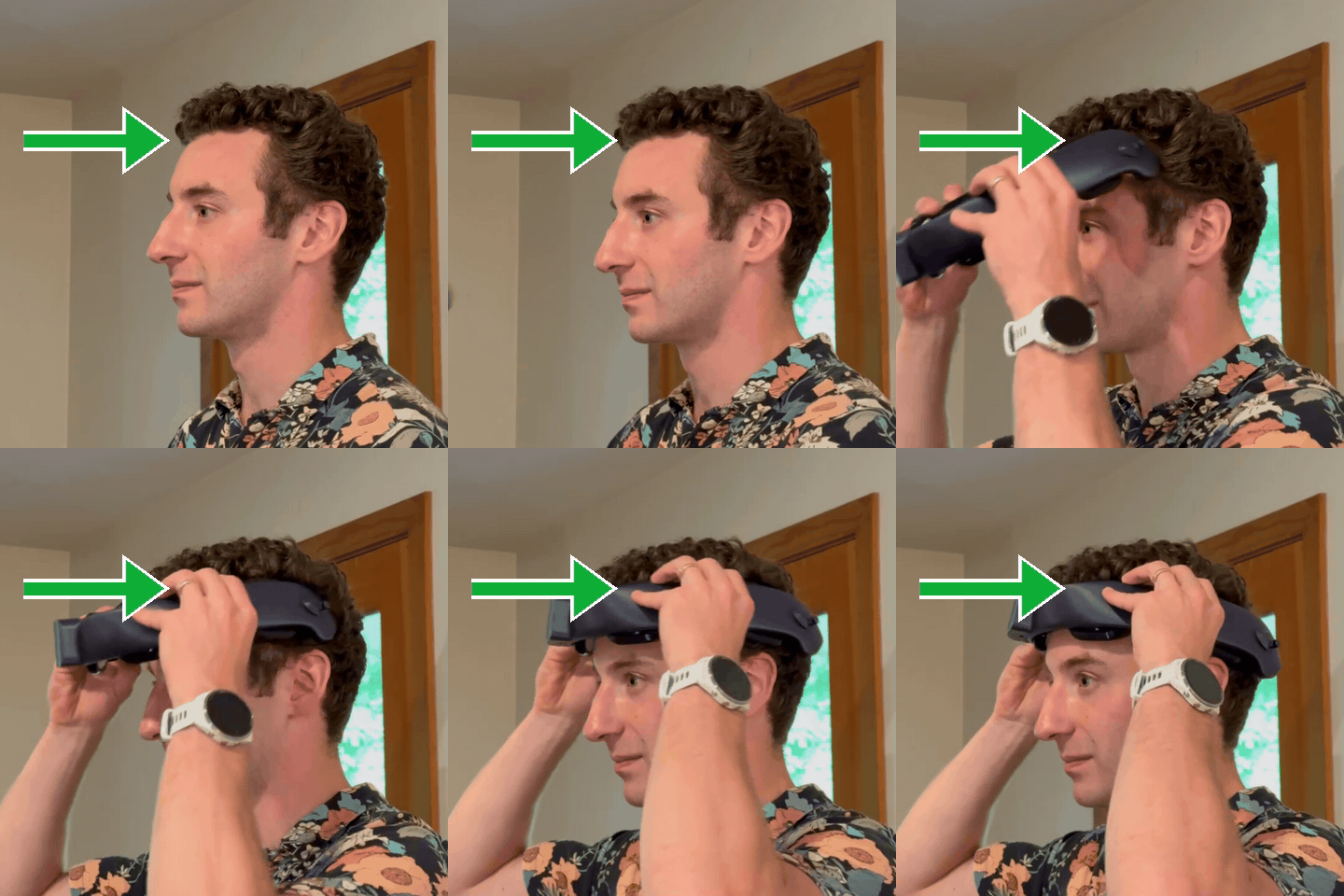
One sponge sits above each ear, with its edge lightly touching the top of the ear. Bring the headset on from the front so both sponges land where they belong, not dropped on from the top like a crown. Long hair? Pull it up and away first.
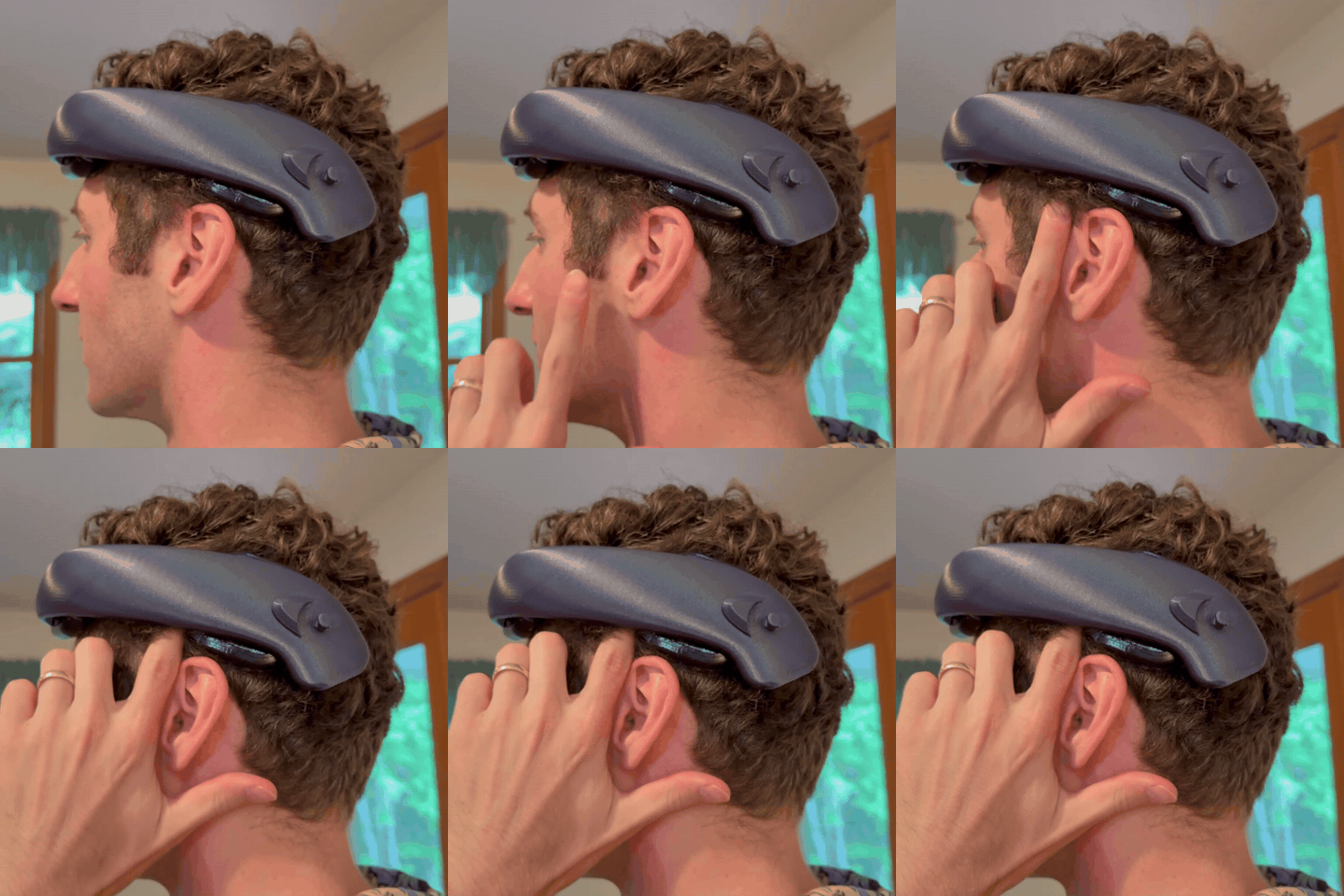
Make sure the electrodes have good connection with a snug headband.
Nice and snug. Very safe.
With the light solid blue, give the button a quick tap: press and let go in under a second. After a short buzz, the light breathes green for about 30 seconds while the current ramps up, then holds solid green. Expect a mild tingling that fades within a few minutes. Some people don't feel it.
It stops by itself after 20 minutes. Do not remove the headset during stimulation.
Need to stop sooner? Tap the button once. The light flashes yellow for a few seconds while the current ramps down, then holds solid yellow. Tap again to resume. Paused time doesn't count against the session.
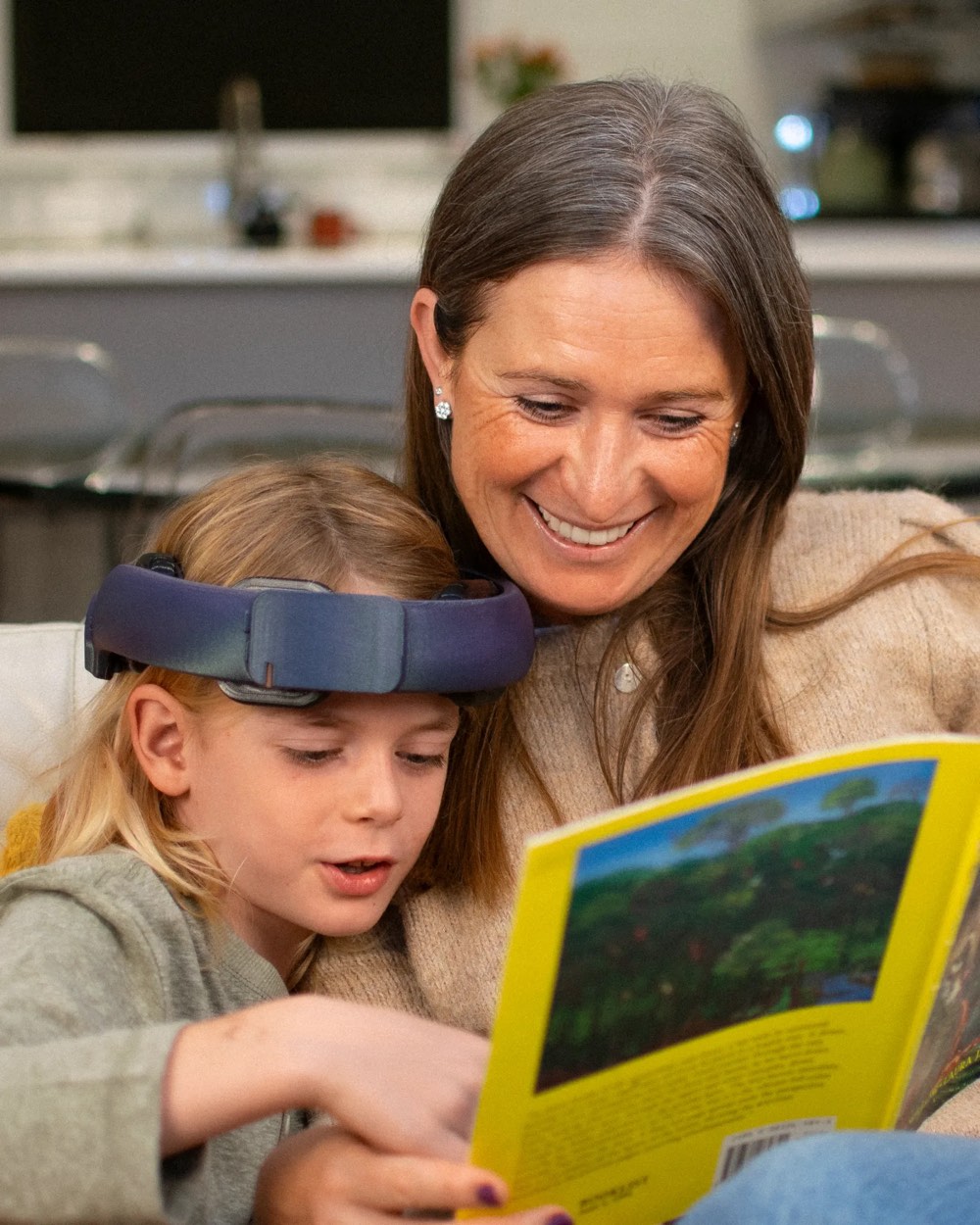
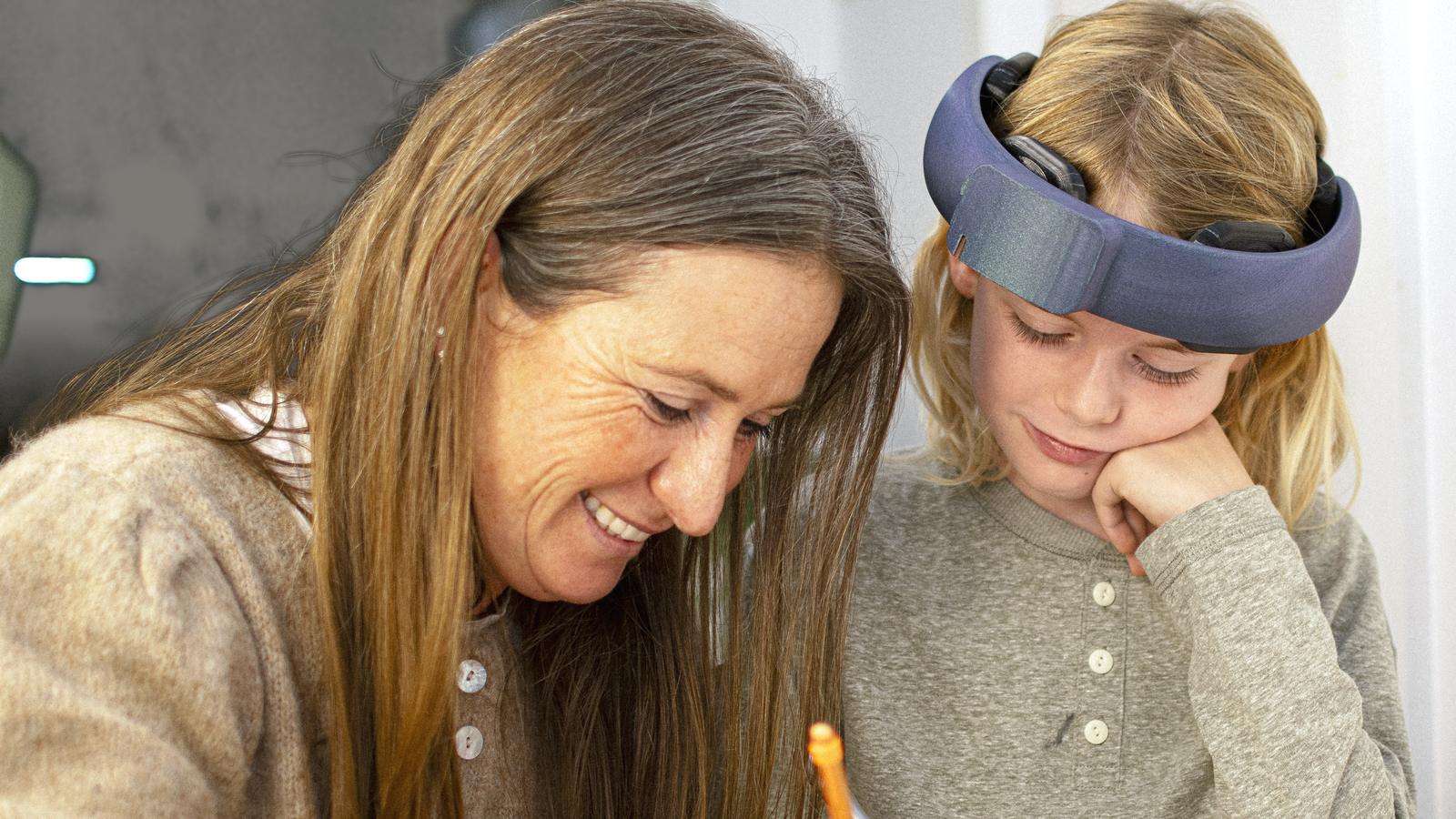
Have your child practice reading for the whole 20 minutes. The headset does not teach reading. The practice does.
Pick the most active, challenging part of practice: sounding out unfamiliar words, phonological awareness drills, structured literacy work with a tutor or school program, or reading aloud together at the kitchen table.
Do this three times a week. The headset allows one session a day.

Buzzes go with the light: a short buzz when it accepts a button press, two buzzes at session end, and a repeating double buzz with the red problem signal. When it blinks, respond. Don't ignore it.
| The light | Status | What to do |
|---|---|---|
| Off | Device is off | Hold the button about 2 seconds to turn on. It also turns itself off after 30 minutes with no session running. |
| Solid blue | On, ready | Quick tap to start a session. Hold about 2 seconds to turn off. |
| Blue with a red blink every 2 seconds | Ready, battery low | Charge soon. It may not last a full session. |
| Breathing green | Current ramping up or down | Normal at the start and end of a session. Wait for it. |
| Solid green | Session running | Keep reading. One tap pauses it. |
| Flashing yellow | Current ramping down | Follows a pause, a problem, or plugging in the charger. Let it finish. |
| Solid yellow | Paused | Quick tap to resume, or hold about 2 seconds to turn off. |
| Red with two quick blinks, repeating, with a double buzz | Problem | During a session: poor sponge contact, and the current has ramped down. Reseat the sponges, check they're damp, get hair out of the way, then quick tap to resume. Right after turning on: hardware fault. Tell us. If it keeps coming back, tell us. |
| Three red blinks, then back to blue | Can't start | It's plugged in, or today's session is already used up. Unplug it or try tomorrow. Tell us if that seems wrong. |
| Red flashes, then off | Battery empty | Too low to turn on, or it ran out while on. Charge the device. |
| Breathing yellow, on the charger | Charging | Leave it on the charger. |
| Solid green, on the charger | Fully charged | Ready for the next session. |
The session ends automatically. The light breathes green while the current ramps down, then returns to solid blue with two short buzzes. Once that's done, remove the headset, hold the button for about 2 seconds until the long buzz, and throw the sponges away. Sponges are single-use. Never reuse them.
Then plug it in so it's ready for the next session. The light breathes yellow while charging and turns solid green when full. The device will not turn on while it's plugged in. Charging time is rest time.

Hooray! We read today too.
Tap the button, wait for solid yellow, and take the headset off.
A mild headache, tiredness, dizziness or trouble sleeping is less common. If anything doesn't settle with rest, or gets worse, stop using it and tell us.